
Mobile App
TopWealth Trading App
An all-in-one mobile platform for account management, funding services, market insights, and client communication.
View your account information and funding records anytime, submit deposit and withdrawal requests, access market insights, and stay connected with our support team through a dedicated chatroom.
Scan to download
Point your phone's camera at the code
Core Features
One App to manage your account and service needs
Account Information & Records
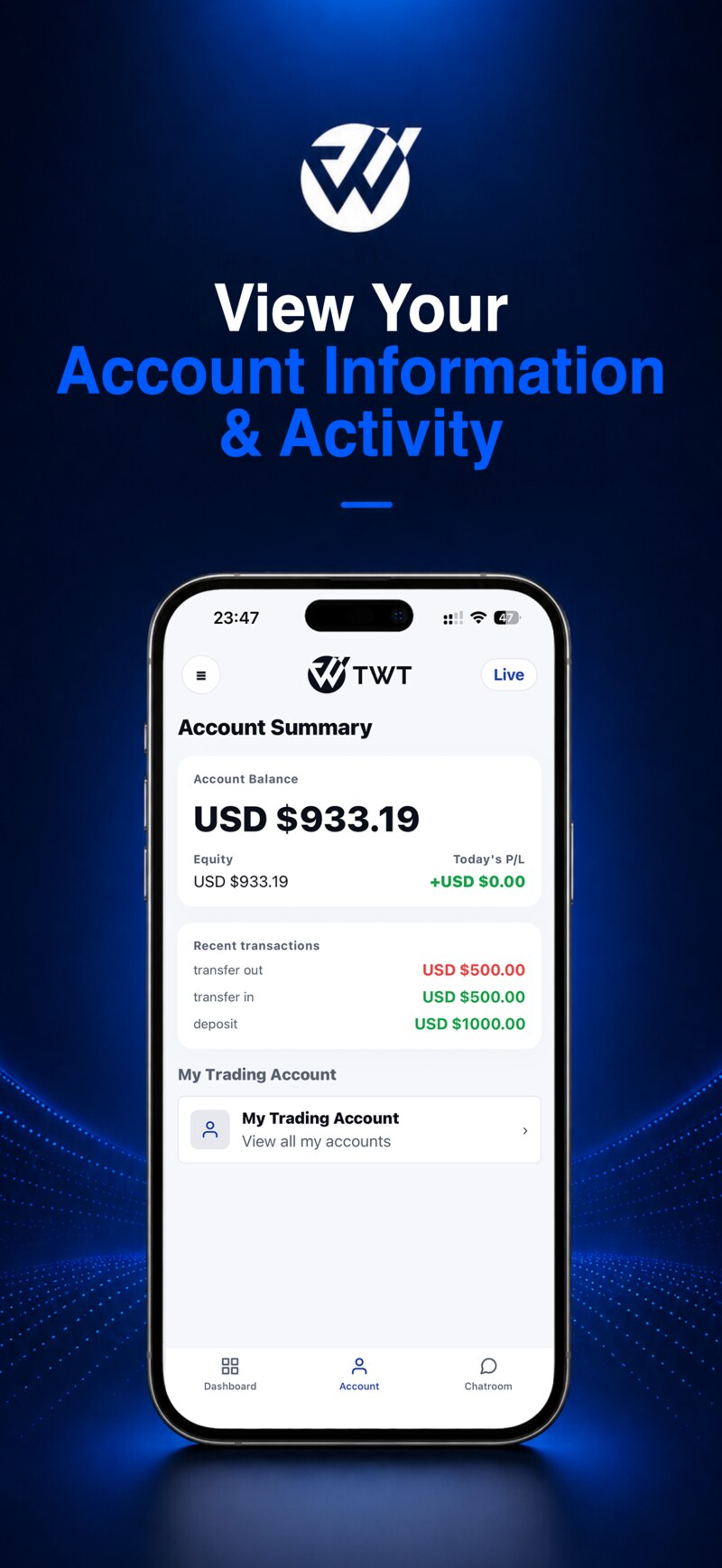
View your account balance, equity, account status, funding records, and related service information.
Deposit & Withdrawal Requests
Submit deposit and withdrawal requests online and view your funding service records.
Market Insights & Platform Updates
Access market updates, financial news, daily reports, and platform notifications.
Client Support Chatroom
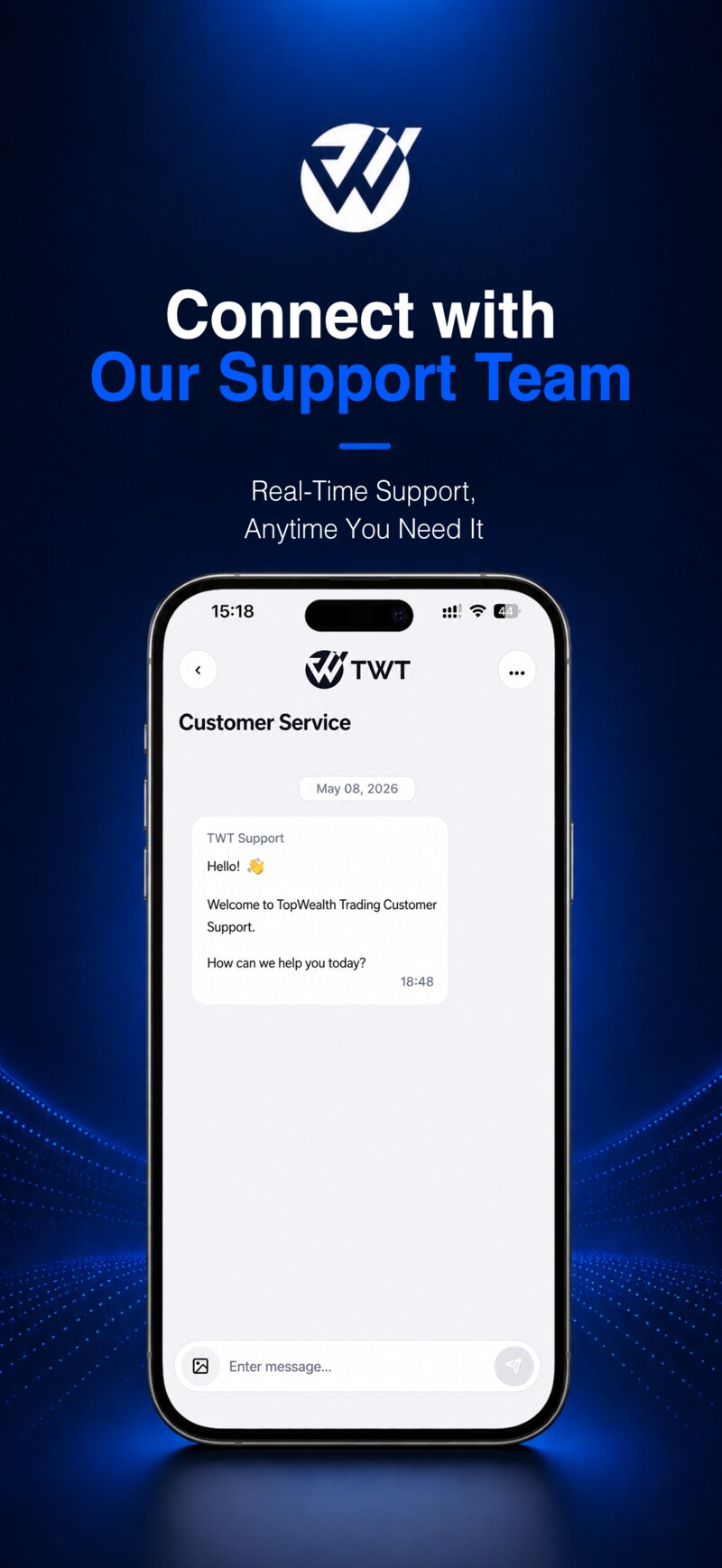
Join your dedicated chatroom through the App and stay connected with the client support team.
Account Registration & KYC
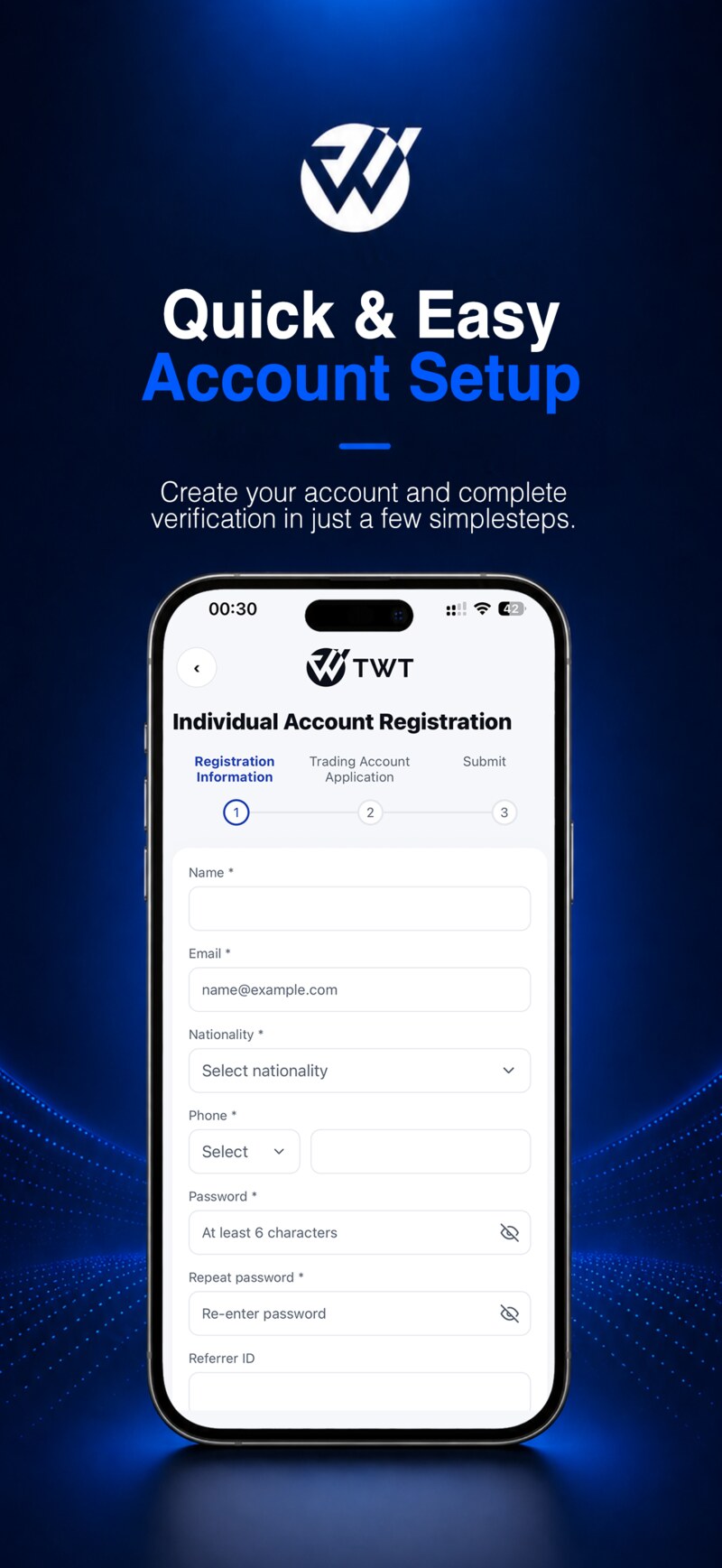
Complete account registration, information submission, and identity verification through your mobile device.
Agent & Referral Management
Agents can view referral links, client reports, commissions, and related management information.
Chatroom Process
Join Your Dedicated Client Chatroom Through the App
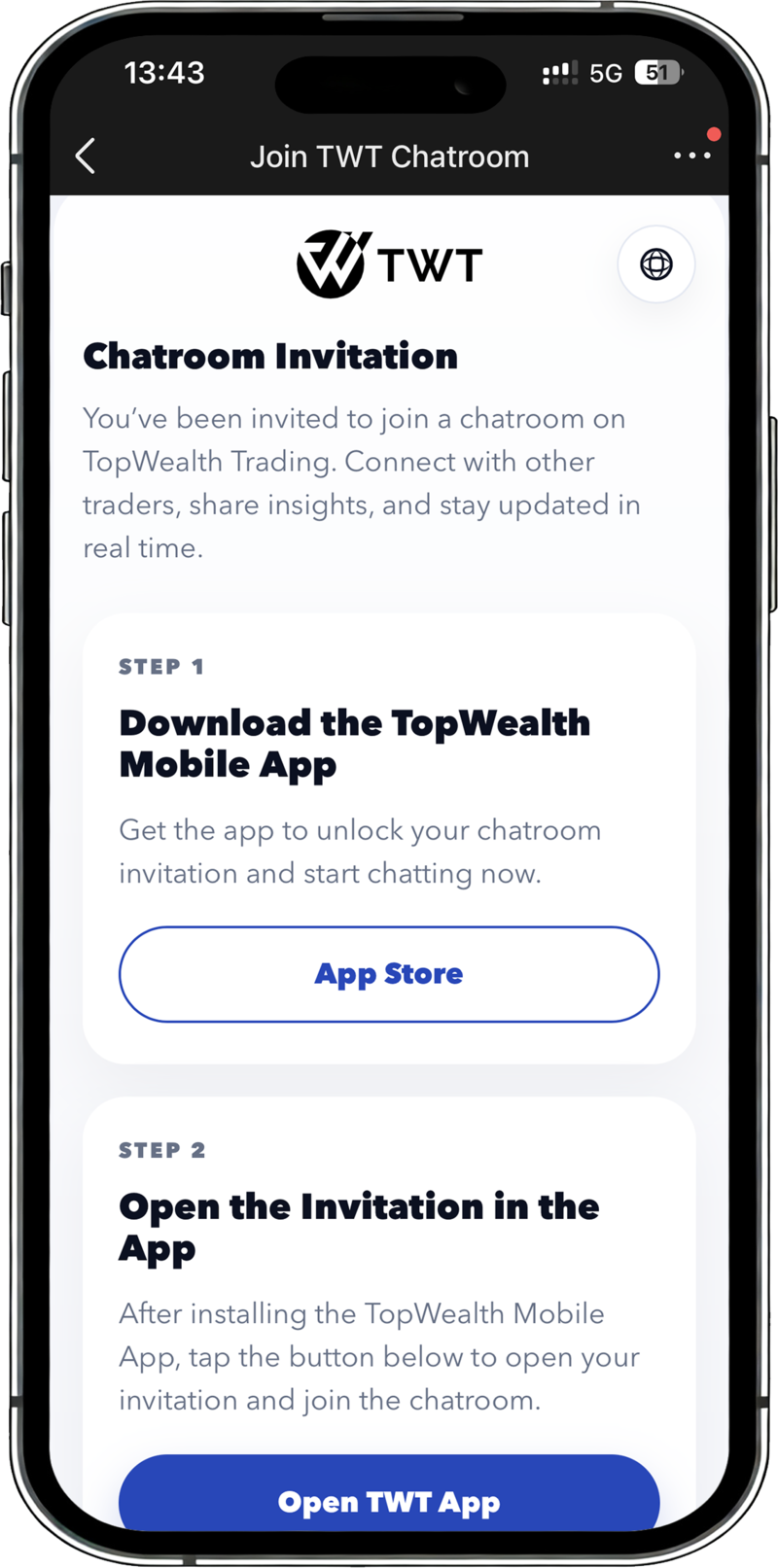
TopWealth Trading App allows clients to join chatrooms through a QR code or invitation link. The chatroom feature must be opened through the mobile App and is not currently supported on the web version.
Agent accounts that have completed KYC and made a deposit may be granted permission to create chatrooms. Clients can join the corresponding chatroom through the QR code or invitation link provided by the agent.
-
1
Download the TopWealth Mobile App
Users need to install the TopWealth Trading App on their mobile device first.
-
2
Tap the Join Button or Scan the QR Code
After tapping the invitation link or scanning the QR code, the system will attempt to open the TopWealth Trading App through an App Link.
-
3
Enter the App and Complete the Chatroom Setup
If the App is installed, the system will open the App and guide the user to the corresponding chatroom setup process.
-
4
Start Communicating with the Client Support Team
After entering the chatroom, users can communicate with the client support team, submit questions, or request service assistance.
Important Notice
If the App is not installed on the user's mobile device, the invitation link will not be able to open the chatroom directly. Users need to download the App first, then join through the QR code or invitation link.
Screenshot Showcase
A clear and intuitive mobile service experience

Start Using the TopWealth Trading App
Download the App to view your account information anytime, submit funding service requests, access market insights, and join your dedicated client chatroom.